Most small businesses don't have an IT department. Computers get updated when someone remembers, the Wi-Fi password hasn't changed in years, and problems get fixed after they've already slowed everyone down. Managed IT changes that.
What "managed IT" means
With managed IT, a provider takes responsibility for keeping your technology healthy for a flat monthly rate. Instead of paying for emergency repairs, you pay for prevention, monitoring, and support.
Managed desktop services
For the computers your team uses every day, managed desktop services typically include:
- Monitoring and alerts around the clock
- Windows and software updates
- Antivirus and endpoint protection
- Help desk support, remotely or on site
- Setting up new computers and new employees
Managed network services
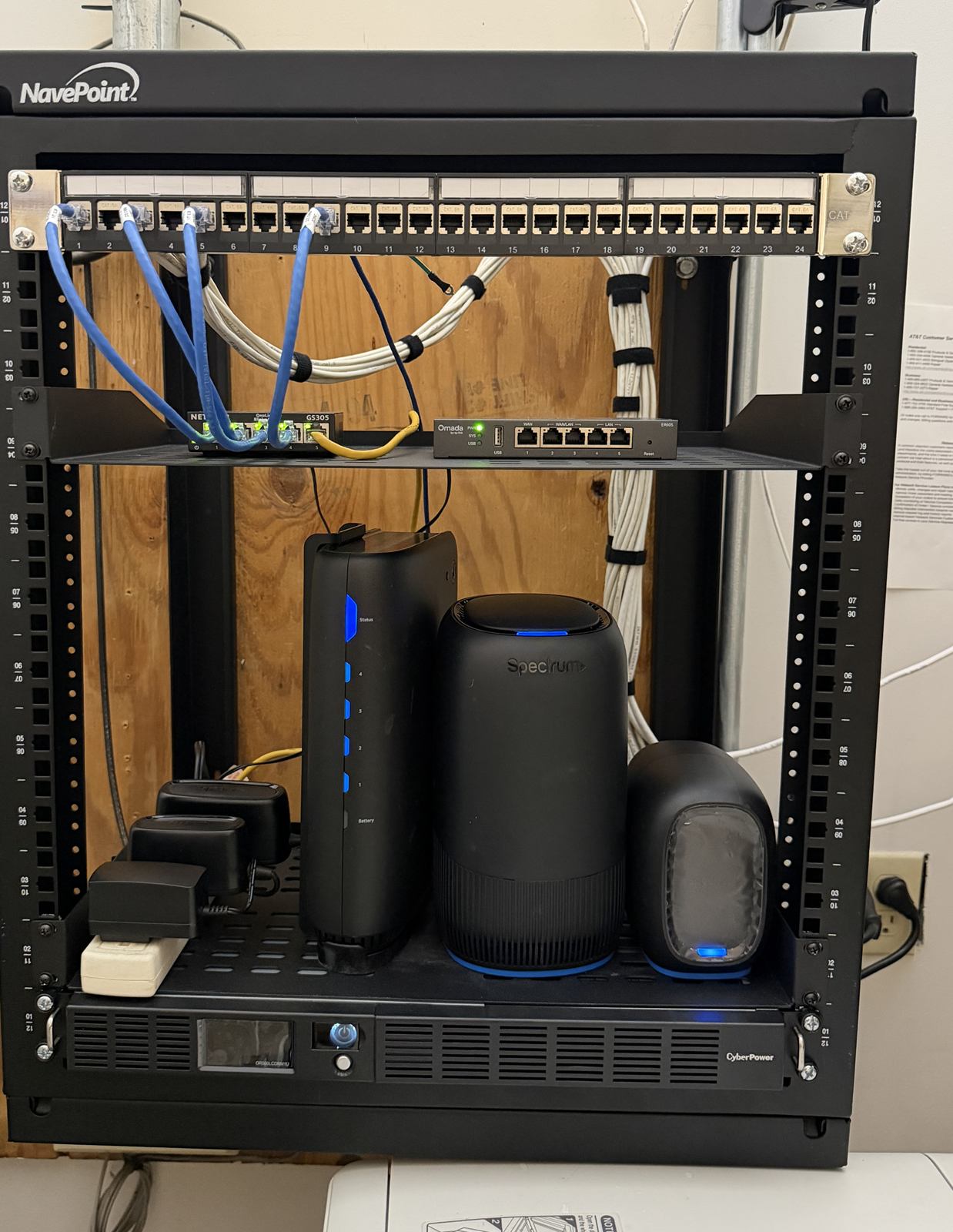
Your network is everything that connects those computers to each other and the internet:
- Firewalls: security rules that keep threats out
- Switches: the devices that connect your wired equipment
- Wireless access points: your business Wi-Fi, including a separate guest network
- Servers: file storage, applications, and backups
A managed network provider keeps firmware up to date, watches for problems, and fixes them before you notice.
Does a small office need it?
Managed IT usually makes sense if:
- Downtime costs you money or customers
- You handle customer, patient, or payment information
- Nobody on your team has time to keep up with updates and security
- You'd rather have one predictable monthly cost than surprise repair bills
How to get started
Count your computers, servers, switches, firewalls, and Wi-Fi access points, then plug them into our package builder for an instant estimate. Bundle managed IT with VoIP and you can save up to 10%. Questions? Call 910-446-8647.